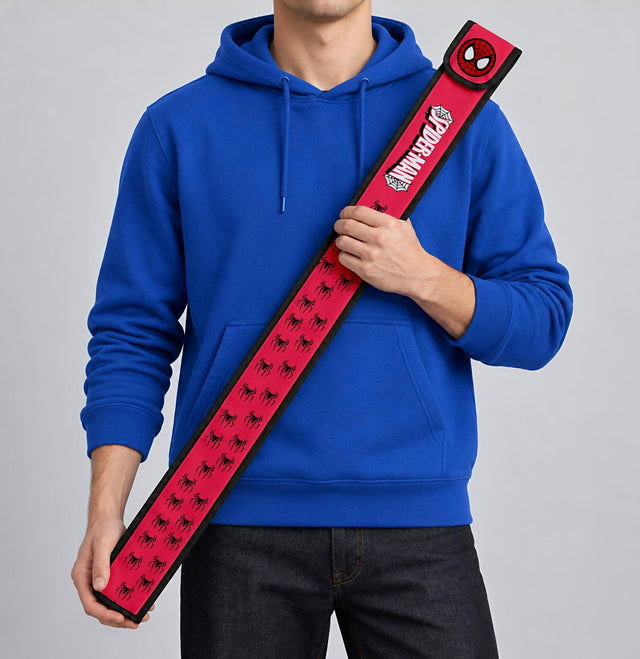
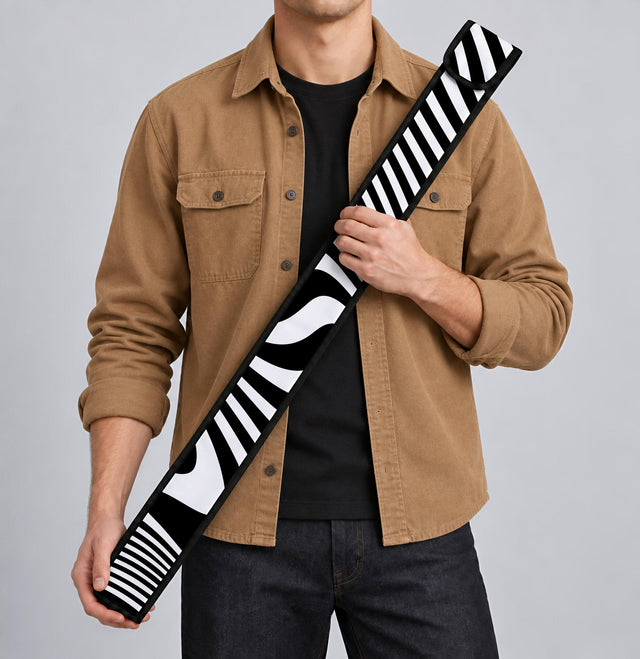
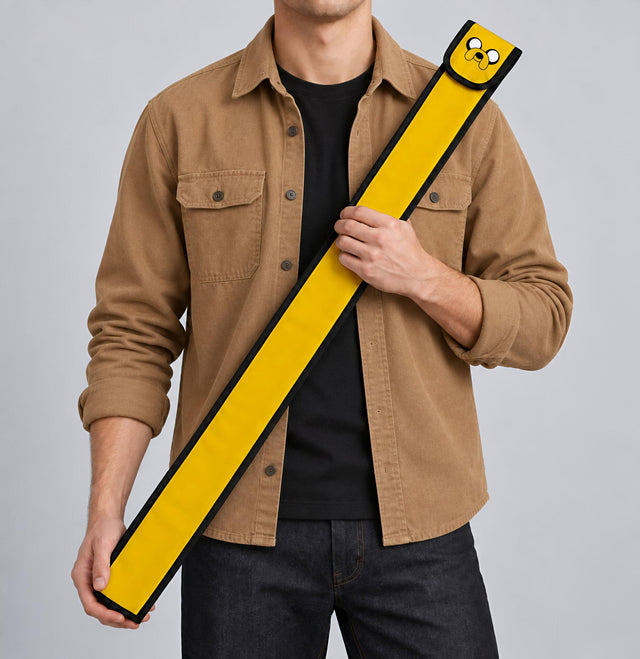
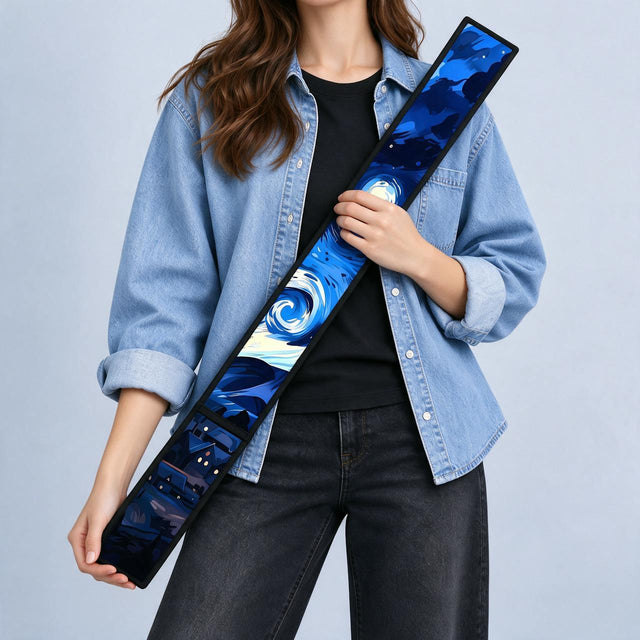
How to design yours
صمّم المنتج بنفسك وشوفه Live قبل ما تطلب. الدليل ده بيمشيك خطوة خطوة في Rulles Studio، وبيوريك الأخطاء اللي لازم تاخد بالك منها عشان الطباعة تطلع زي ما انت شايفها بالظبط.
Design it yourself and see it live before you order. This guide walks you through Rulles Studio step by step and shows the mistakes to avoid so your print comes out exactly like the preview.
الخطوات · Steps

1اختار المقاس الأول، وبعدين Design it yourself
افتح المنتج من Customize Yours أو من قسمه في الـ menu (مثلاً Phone Cases أو Notebooks). اختار المقاس قبل ما تصمم (مثلاً الـ ruler 80 أو 100 أو 120)، لأن مساحة الطباعة بتتغير مع المقاس. بعدين دوس DESIGN IT YOURSELF · LIVE PREVIEW.
Open the product from Customize Yours or its category in the menu. Choose the size first — the print area changes with it — then tap “Design it yourself”.

2اتعرّف على الـ Studio
فوق هتلاقي الـ mockup بيتحدّث وانت بتصمم. تحتها الأجزاء (الوش، الضهر، الجيب…) — كل جزء بيتصمم لوحده، ولو عايز نفس التصميم على كله دوس نفس التصميم على كل الأجزاء. تحت خالص الأدوات: أفكار · صورة · كلام · اللون · ستيكرز · الطبقات، وزرار ضيف للسلة.
The live mockup is on top. Below it are the pieces (front, back, pocket…) — each one is designed separately, or tap “same design on all pieces”. The toolbar at the bottom has Ideas, Photo, Text, Colour, Stickers and Layers, plus Add to cart.

3ابدأ من فكرة جاهزة (أفكار)
لو مش عارف تبدأ منين، افتح أفكار واختار layout جاهز: اسم، نقشة + اسم، صورة كاملة، كولاج صور، جملة، الدفعة… وبعدين غيّر الكلام والصور زي ما تحب.
Not sure where to start? Open Ideas and pick a ready layout (name, pattern + name, full photo, photo collage, quote, class of…), then edit it.

4ضيف اسمك أو جملة (كلام)
من كلام اكتب الكلام ودوس ضيف الكلام، أو اختار ستايل خط جاهز. اسحب الكلام عشان تحركه، وكبّره أو لفّه من الأطراف.
In Text, type your words and tap “Add text”, or pick a ready font style. Drag to move; use the corners to resize or rotate.

5ارفع صورك (صورة)
من صورة دوس ضيف صورك — ممكن تختار أكتر من صورة للكولاج. أحسن جودة: صور 1,500 px على الأقل. استخدم الصورة الأصلية من الموبايل، مش screenshot ولا صورة متبعتة على WhatsApp.
In Photo, tap “Add your photos” (pick several for a collage). Best quality: photos at least 1,500 px. Use the original file, not a screenshot or a WhatsApp-compressed copy.

6اللون وشيل الخلفية
من اللون اختار لون الخلفية أو نقشة جاهزة (Memphis, Night, Mint, Blush). عايز صورتك من غير خلفيتها؟ اختار الصورة ودوس شيل الخلفية واستنى ثواني — بتشتغل أحسن لما يكون الشخص أو الحاجة واضحة.
In Colour, pick a background colour or pattern. To cut out a photo, select it and tap “Remove background” — works best with a clear subject.

7ضيف للسلة واطلب
لما كل الـ checks تبقى تمام دوس ضيف للسلة. هتلاقي في السلة التصميم متسجل مع الأوردر (ملف لكل جزء + preview) — ده اللي بيروح للطباعة بالظبط. كمّل الـ checkout عادي، واكتب العنوان كامل والمدينة صح.
When all checks say OK, tap Add to cart. Your design is saved with the order (one file per piece + a preview) and goes straight to print. Check out as usual with your full address.
الأخطاء اللي لازم تاخد بالك منها · Common mistakes

!الخطوط البينك = أطراف وطيّات
Anything on the pink striped area may be trimmed, wrap around the side or fall into a seam. Keep text, faces and logos inside the clear area.

!«راجع» بالأصفر = الجودة مقبولة بس مش أحسن حاجة
The dpi is shown under the photo. A yellow “Review” means the print is acceptable but may not be sharp — make the photo a bit smaller or upload a bigger version.

!«صلّح» بالأحمر = الصورة هتطلع مش واضحة
Very low quality (e.g. 11 dpi) shows a red “Fix” — it will print blurry and pixelated. Use a bigger photo or shrink it until the check says OK.

!«راجع ده قبل ما تطلب»
If a problem is left, a “Review this before you order” sheet lists it. Tap “Go back and edit” (recommended) or “Order like this” if you accept the result as described.
Quick tips: pick the size first · keep text away from edges · use original photos · check every piece separately · zoom the preview before ordering.
لسه محتاج مساعدة؟ كلمنا من الـ chat على الموقع أو على Instagram @rulles.eg وابعتلنا فكرتك ونظبطهالك.
Still stuck? Message us from the site chat or on Instagram @rulles.eg and we’ll set it up for you.